Music Commands
We offers you a much more simply feature-rich command list than the average music bot! Listening to music in Discord has never been so easy before!
Below is a list of general commands. We used nn_ for the prefix since it's the default.
() means optional
<> means required
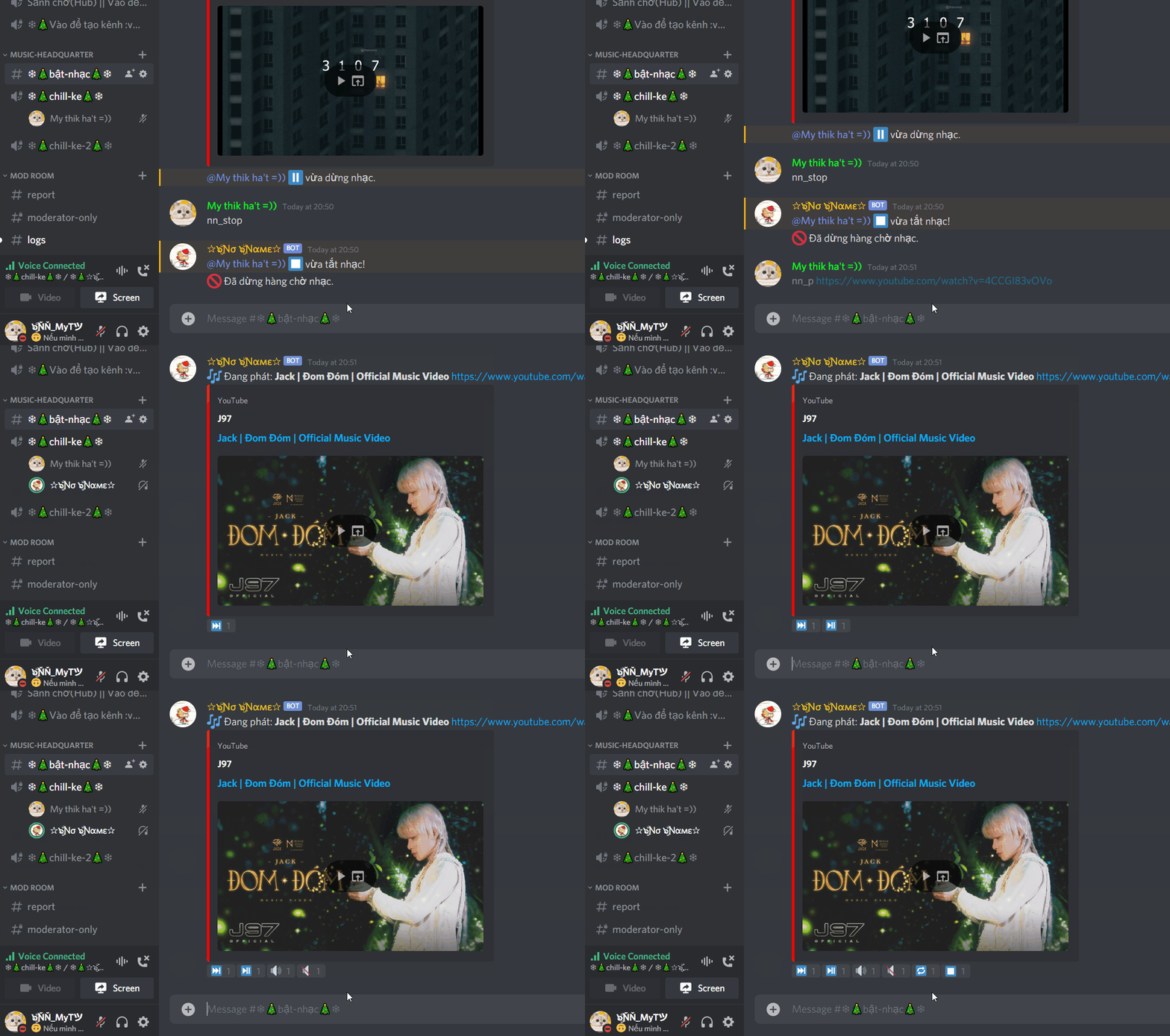
nn_join<someone> (someone): join a channelnn_leavle: leave a channelnn_play<Name || URL>: Plays a song. Aliases: nn_p
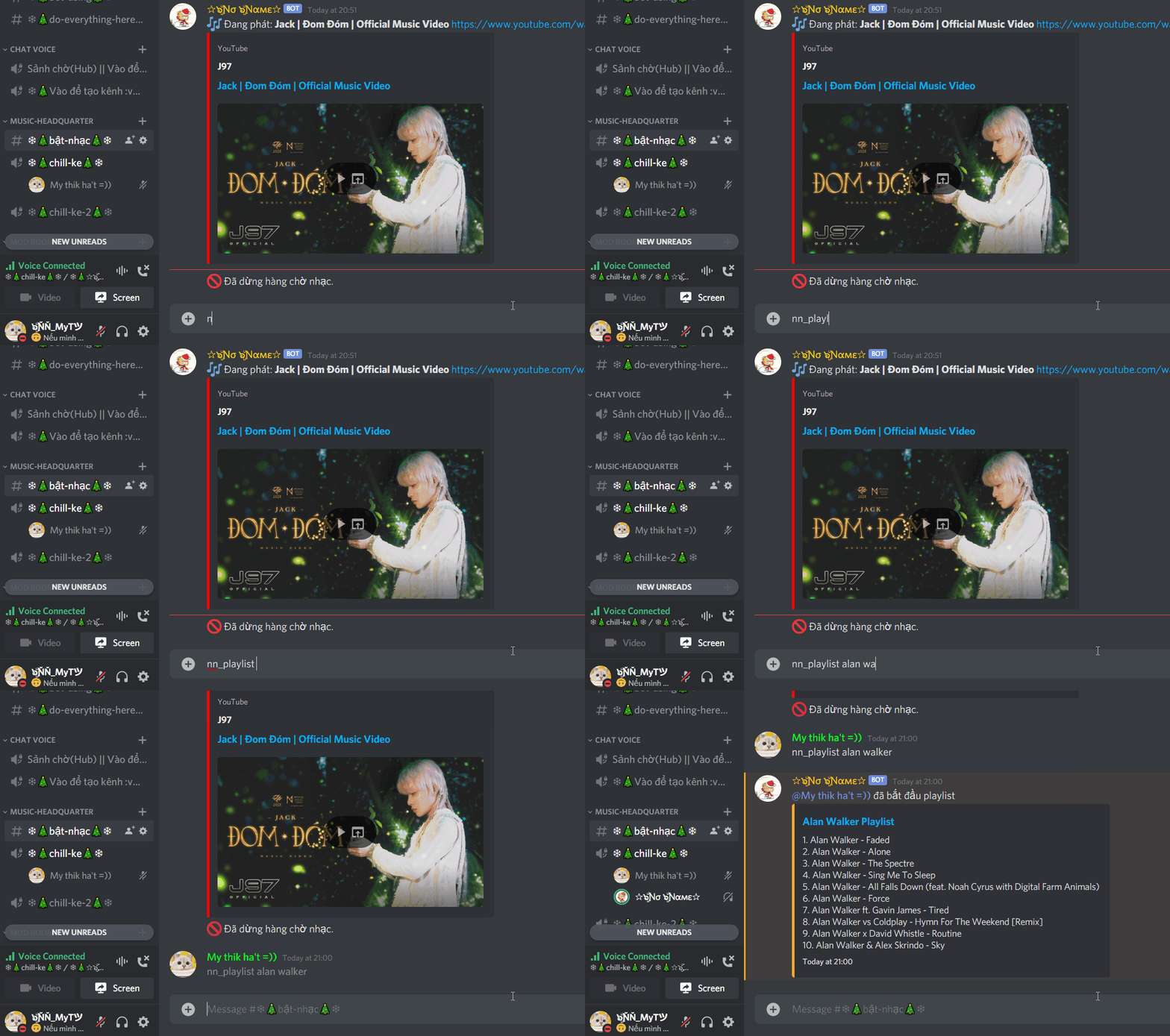
nn_playlist<Name || URL>: Play a playlist from Youtube. Aliases: nn_pl
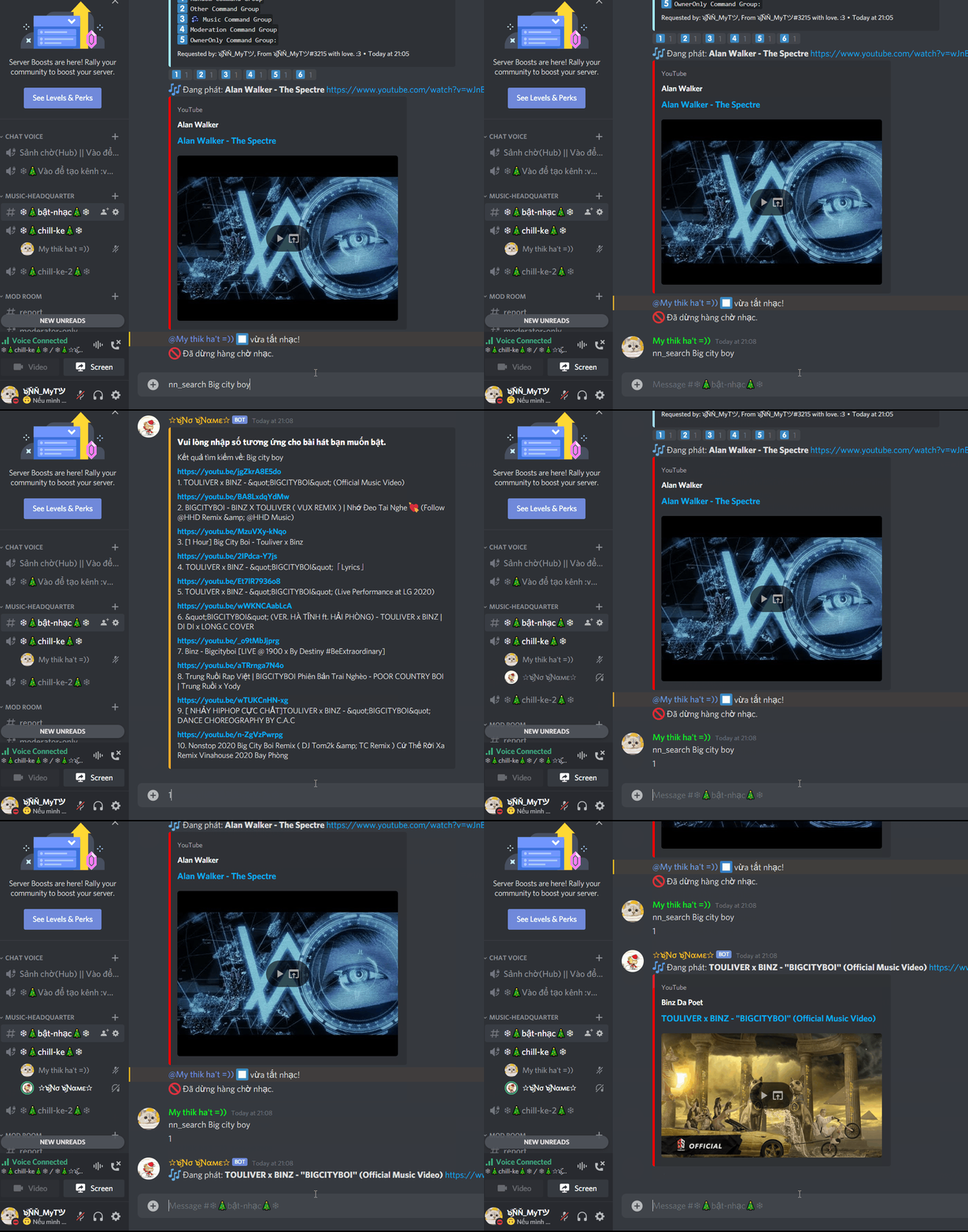
nn_search<Name>: Search for a video on Youtube.
nn_stop: Stop playing musics.nn_lyrics: Find lyrics of one songs.nn_queue: Know how many songs are on your queue.nn_nowplaying: Take a look of the songs being played. Aliases: nn_npnn_remove(number-of-song): Remove a specific song from the queue.nn_pause: Pauses the current playing song.nn_resume: Resumes the current paused song.nn_skip(tracknumber): Skip the current song.nn_skipto<tracknumber>: Skips to a specific track in the queue.nn_loop: Loop the queue.nn_shuffle: Shuffle the queue.nn_volume<1-100>: Change the volume of bot.